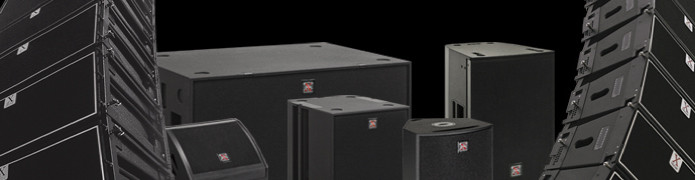
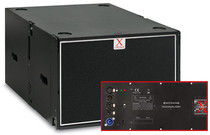
Both X-Treme active loudspeaker systems and XTDP processors are equipped with a powerful internal Digital Signal Processor (sampling rate: 96 kHz, data word width: 24 bit); the user can select several presets by acting directly on the devices, or, when possible, modify the audio parameters (equalisation, delay, limiter) and/or set new presets manually or via remote control from a PC.
The active line arrays (XTLSA/A, XTMISI/A, XTMLA/A, plus the relevant subwoofers), the amplified monitors (XTMON12/A and XTMON15/A) and the self-powered subwoofer XTHPS36/A can all be connected up to a single network (XT-NET) that is remote controlled from a PC using the dedicated software application. To modify the sound reproduced by a speaker of this kind – or to make it suitable for a particular system configuration – the corresponding preset must be loaded.
In order to do this, proceed as follows:
1. physically connect the various devices to one another (using a standard cat. 5 UTP network cable and the interface/adapter USB-RJ45 XT-NETINT);
2. launch the dedicated software (Network Controller), which can be downloaded from the Reserved Area of the website;
3. click on the “Go on line” button on the main workspace (which will turn from red to green);
4. select the device;
5. from the FILE menu, execute the “Load factory setting”;
6. open the desired .dfa file (downloadable below).
Regardless of whether the remote connection is used, it is possible to choose, using the A-B switch on the rear panel of the speakers, between 2 presets (which in any case are dependent on the .dfa file present on board); using another switch, it is possible to enable an additional audio process that can be modified in real time by the user via remote control.
The Deflector Line active loudspeaker systems (and their related subwoofers), for which remote control is not planned, have the use of 4 presets that can be directly selected by the customer from the on board amplifier (N.B. there are 2 presets for mod. XTD88/A); therefore, the audio parameters can be modified simply by setting various combinations of the switches on the rear panel.
The X-Treme passive loudspeaker systems are run by XTDP26 and XTDP24 processors in all the various possible system configurations, using the dedicated presets (.dfa type files). The user can load the factory presets on the individual processor manually (by inserting the data from the Preset Tables), from a PC (using a RS232 serial cable), or acting as above: it is also possible to link up to the XT-NET, described above, an indefinite number of XTDP processors together with the active loudspeakers, all of which can be remote controlled using the same dedicated software. For further information, refer to the document Instructions for using presets contained in the CD-ROM that comes with each XTDP processor.
Caution: because more than one different speaker preset may have the same name (and file extension), the folders containing the .dfa files for the various processors should be kept well separate on your PC!